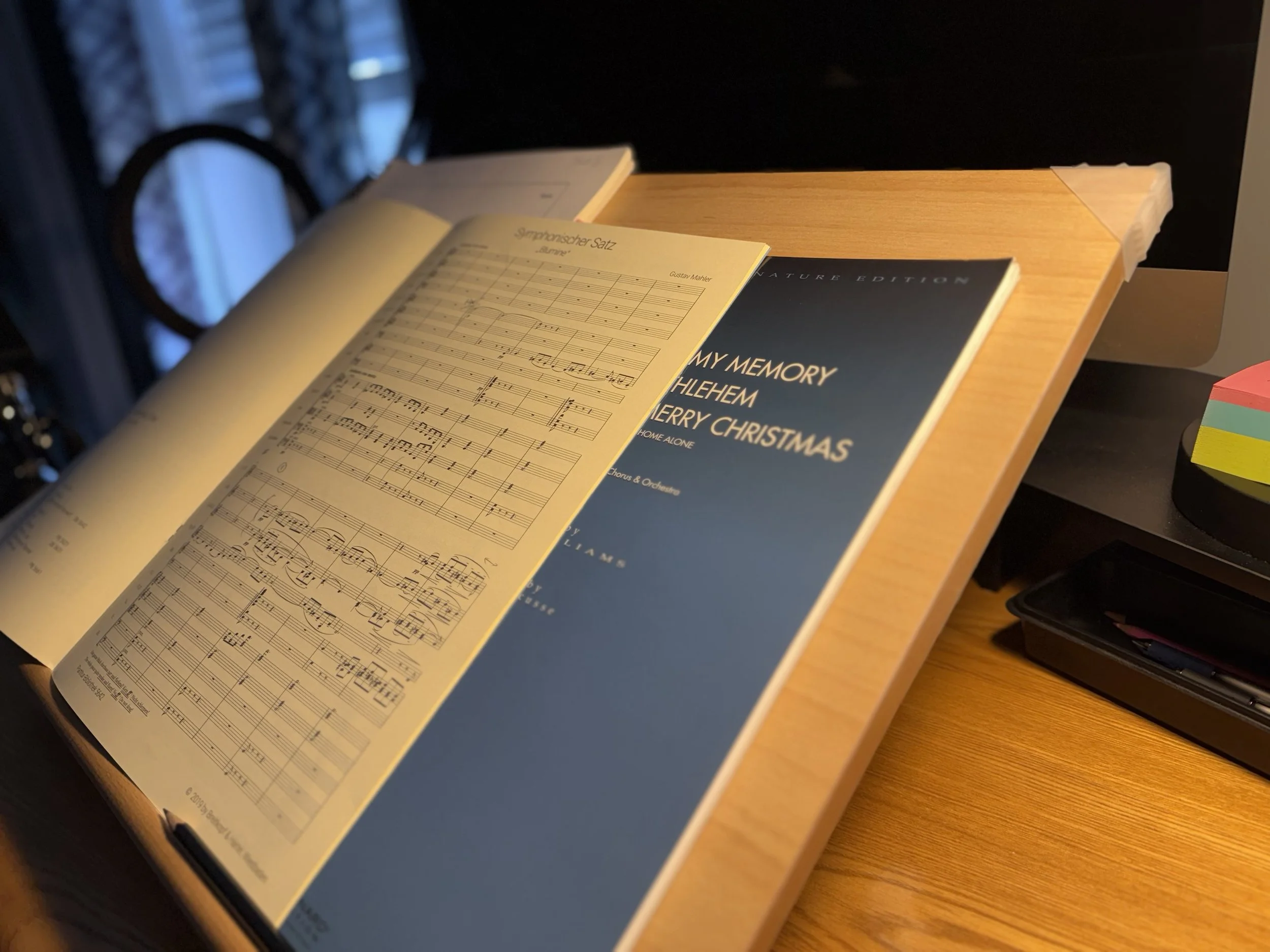
The ad gods have my number: every day I am inundated with beautiful gadgets and gizmos to somehow enhance my desktop computer setup in my studio. They know what’s true: I have made some valuable upgrades to my setup over the past year that I’d recommend to other conductors trying to make their setup more useful when trying to juggle technology old and new, i.e. scores and pencils AND monitors and mice.
The links below are only for items that I have personally purchased and used myself unless noted otherwise. I’ve had these items for between 8 months and 3 years and I’m happy to say that they have been sturdy and reliable.
If you’re still looking for gift ideas with a week to go, or you want to ring in the new year with a new setup here are 5 upgrades you might consider:
5. Table
The foundation of any setup has to be a sturdy table. I have my trusty, cheap, prefab wooden kitchen table I bought out of my graduate assistantship in my first year of grad school. I originally bought it as an actual dining table, but it’s served as my workbench for over 15 years. I’ve modified it slightly over the year by adding a headphone hook, and modifying one of the sides to make it more desk like.
It’s worked fine, but if I was buying a new one, the only change I’d might make would be to get one with flush edges and right angles to make it easier (and potentially cheaper) to clamp accessories and swivel arms to its edges. I say “might” because at the same time, they are less comfortable when you resting your arms while studying. I have no idea the make or model so I can’t recommend it.
Of course, you may have something more like a desk. I use the term table because many, many modern products marketed as “desks” are rather shallow and therefore less useful for large scores. In the old days, a deep desk may have an embedded filing cabinet and plenty of leg room underneath. Later, that same desk may have been great for supporting a boxy CRT monitor atop an old school desktop 486.
But with flat screen monitors, laptops, limited real estate, and a minimalist tilt, most modern desks seem presuppose the use of a laptop and very few books (and no big heavy reference or textbooks, let alone large scores). The category “Tables” continue to reflect a larger surface, connoted with dinner or drafting, both of which imply space enough to make my 11x17” scores happy.
4. Floating Monitor
I’ve long lusted after a floating monitor setup to free up desk space for larger scores and make it possible to simultaneously have a monitor, while also fully using an oversized score on the table.
I purchased a dual arm VESA desk mount which can either be clamped or bolted to a table. It also makes it possible to rotate the monitor in order to peruse an oversized score.
I got a Dell 27” 4K monitor that was affordable enough to envision eventually purchasing a twin, and high quality enough not to make me miss my old 5K iMac monitor (RIP).


3. Desk Lamp
I started out planning for two monitors, but instead, I have been using the second mount arm to further extend my overhead desk lamp and give me almost limitless flexibility for where and how I want to get some light on my scores or my desk. This particular model comes with a heavy base and a desk clamp so there are many ways to use it if you don’t happen to have the desk mount above, but the combo does come in handy when combined with the next item.

2. Large Sketching Board
The older I get, the more I start to notice the problems of sitting at a desk for too long with my head buried in a score. I’ve had minor neck issues here and there and some of the items on this list overlap with a different effort that was less about ease of working with both scores and technology and more about ergonomics and functional/occupational health.
Some ways to help prevent neck injuries is to develop a strong core, sit with good posture, and avoid hovering over your music. One way that has helped me to avoid hovering is to bring the music to me. A music stand can do this somewhat, but they really aren’t designed for you to rest your arms and mark while you study.
I picked up a Large Artist Drawing & Sketching Board after visiting a craft store last year and suddenly imagining what I found was true - the difference is NIGHT AND DAY. I am so comfortable being able to mostly look at my scores head-on while studying! It fits nicely on my desk, and when you combine it with the VESA mount, that means you can also raise your monitor high enough to continue to use it even as you’ve also got a score on the board.
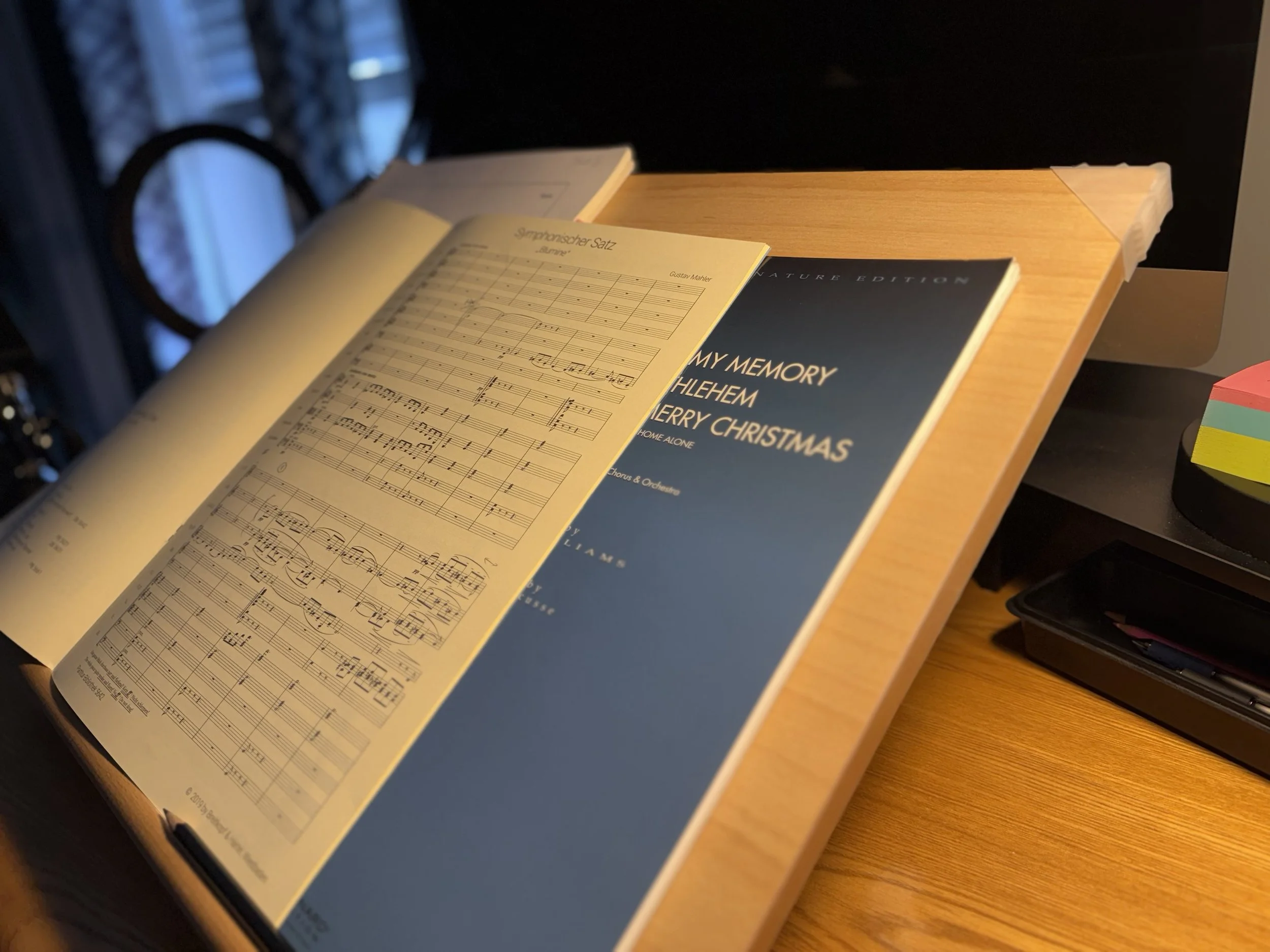
My sketching board in use c. 2024 (RIP iMac!)
1. Keyboard Tray
Lastly, to fully free up your workspace for scores and pencils, you’d want a keyboard tray. I did not want to do too much drilling into the table, if avoidable, so I preferred a clamp-mounting tray. But, I did not want a flimsy experience that would likely break The model I purchased is unfortunately not available any more, but I have appreciated that it has not seemed to budge one iota in the past 2 years. I have occasionally needed to tighten two small screws on the underbelly to make the tray retract and extend smoothly and securely, but the clamps to the table have never wavered. Here’s a seemingly similar model but I have no idea its quality.
If you’d like more photos or a video of some of these items in action, please let me know in the comments or send me an email and I will post one either here or in my newsletter.